Does this work with my DTF printer?
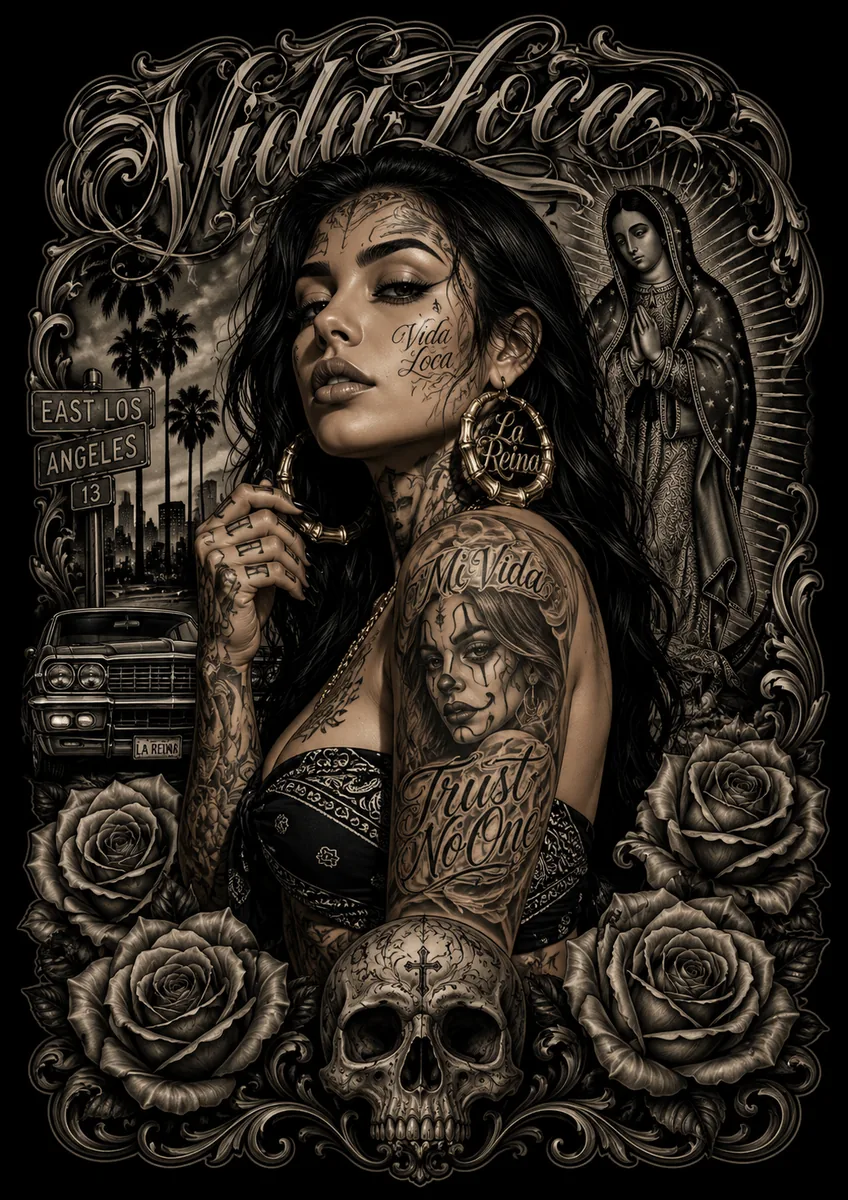
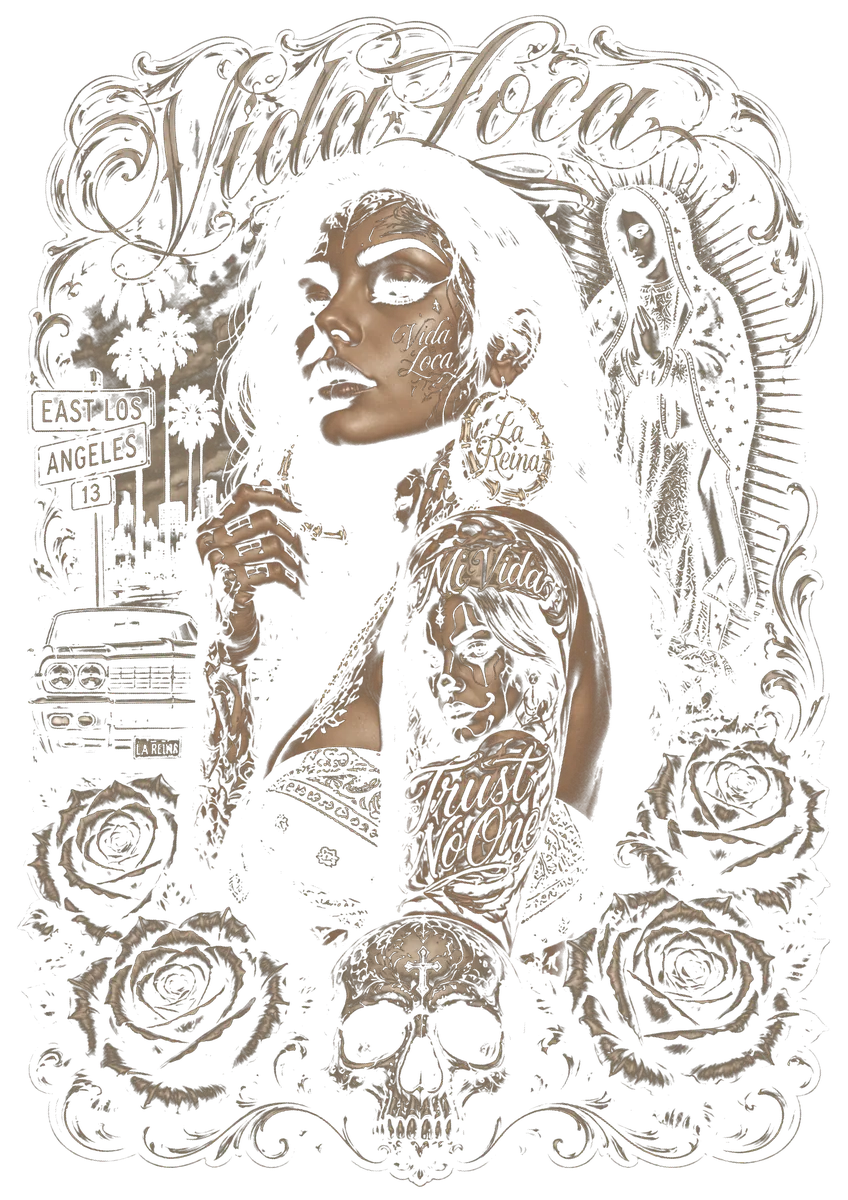
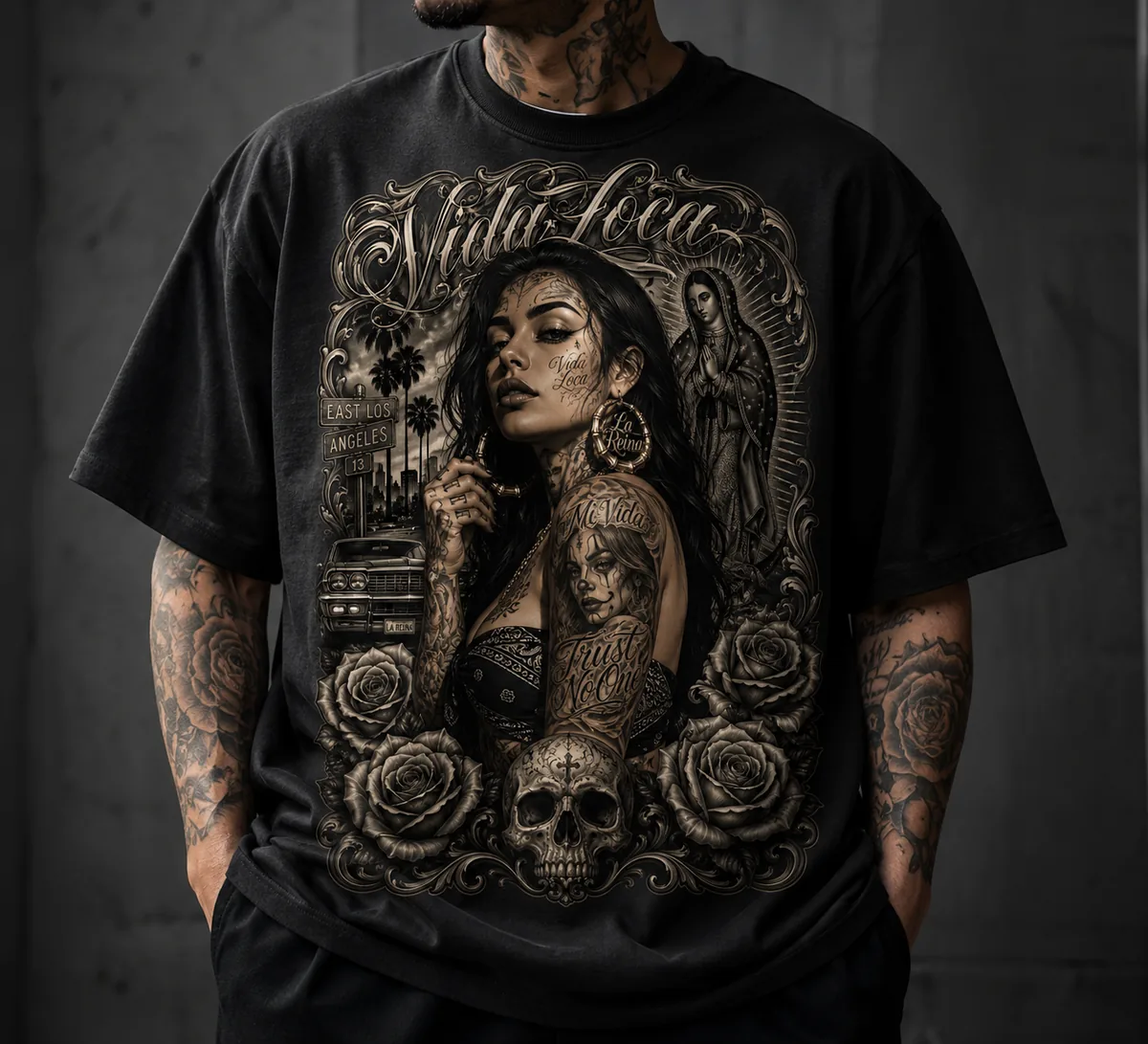
Yes. MyHalftone produces an ordinary PNG with transparency. Whatever your RIP or printer software normally does with a PNG, it does with this one. There is no printer-specific integration and no device-dependent settings.
Do I need Photoshop or Illustrator?
No. The tool is the complete workflow — drop in artwork, pick the shirt colour, download the PNG. Cropping is built in: a solid border around the design is removed automatically, and you can drag a box around any area you want to keep. Only for cutting a subject out of a busy background will you still use your usual application.
My artwork is small or low quality — will it still work?
In most cases, yes. When you load an image, MyHalftone checks its resolution against your print size and shows you the result. If it falls short, the artwork is cleaned up, sharpened and upscaled automatically before the halftone is built, so JPEG blocks and soft edges do not end up in your print. One honest limit: detail that is not in the image cannot be invented, and hard pixel stair-steps in tiny logos stay visible. The tool tells you when a source is very low.
Does it work on coloured shirts, not just black?
Yes. Pick the shirt colour with the eyedropper and that colour is knocked out. On coloured garments the tool separates by hue: a different hue — red or yellow on a blue shirt — always stays solid, because the fabric can never supply it. Lighter and darker shades of the shirt colour fade out smoothly in halftone dots.
Which LPI should I use?
As a starting point: 45 to 55 LPI at 300 DPI. That leaves enough pixels per halftone cell to form clean dots. Finer screens from 65 LPI upwards look softer but want 600 DPI so the dots do not merge. Which value works best for you depends on film, powder and press — run a test motif through, changing the setting takes seconds.
How is this different from simply deleting black?
Hard-removing every black pixel creates a visible edge exactly where the artwork holds a gradient — the transition breaks off. MyHalftone rasterises that transition zone instead: from fully knocked out, through progressively denser dots, to solid coverage. It also works with any shirt colour, not just black.
Are my designs uploaded anywhere?
No. All processing runs in the browser on your own machine — your artwork never leaves it. On the very first start the licence key is checked once; only the key and a random device identifier are sent, never any image data. After that you can disconnect from the network and the tool keeps working.
How does activation work?
After purchase you receive the file and a licence key in the format MH-XXXX-XXXX-XXXX. Enter it once when you first open the file and click Activate — it takes two seconds. From then on the program opens straight away, with no prompt and no internet. The key covers two machines, so your workshop PC and your laptop are both included.
How do I match the exact colour of my blanks?
Use the eyedropper. Open a photo of your blank, click the shirt colour, and take the hex value across. That is more accurate than any preset, because Forest Green measurably differs between Gildan, Fruit and B&C.
How much ink do I actually save?
That depends entirely on the artwork. A motif consisting largely of the shirt colour saves a great deal, because neither white nor colour is printed there. A colourful motif on white fabric saves little. The only reliable numbers come from comparing two identical sheets — one with knockout, one without.
On how many machines may I use it?
It is a single-seat licence for one workstation. Backup copies for your own use are expressly permitted and recommended. Passing the file on to third parties is not permitted.